Featured Games
Hot Right Now

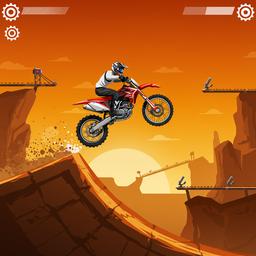
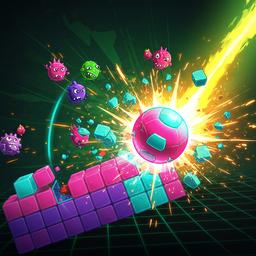
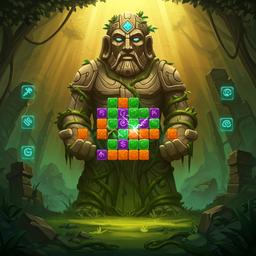
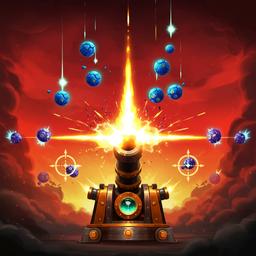
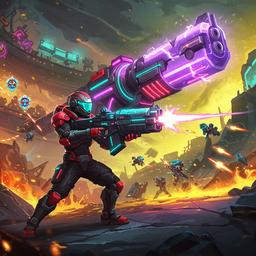
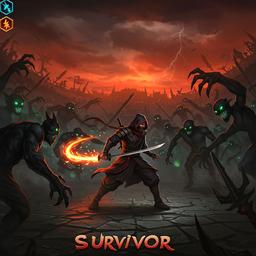
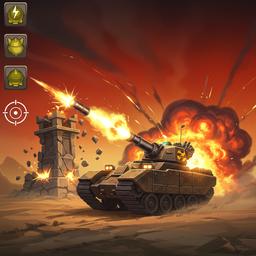

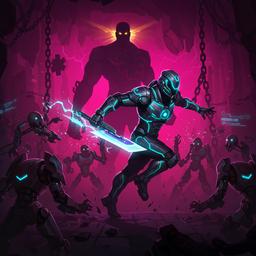

Arcade






Casual

Puzzle








Racing






Gamefrost: Play Free Online Games
Welcome to Your New Favorite Gaming Hub
Gamefrost is a playful, retro-inspired portal where you can browse, favorite, and play free online games instantly. We've built this site for pure fun: chunky borders, warm colors, and a clean layout that puts games front and center. Instead of making you dig through clutter, we focus on clear categories, quick discovery, and a consistent way to jump into the best browser games whenever you have a few minutes to spare.
Whether you love reflex-testing action games, calm puzzles, or quick sports matches, Gamefrost is designed to feel friendly and familiar. You can search by game name or category, save your top picks to a personalized favorites list, and get straight to playing. No downloads, no sign-ups—just unblocked games ready for action.
Why Choose Gamefrost for Browser Games
How to Play HTML5 Games Here
The best game portals feel effortless. You land, you recognize the layout, you pick a category, and you're playing. Gamefrost keeps that promise by staying lightweight and predictable. Popular genres like Arcade, Action, Puzzle, and Sports are always visible in the sticky navigation bar. Every free game uses the same intuitive layout so your eyes learn what to look for. The details page always includes a smooth web player, a clear title bar, and a simple sidebar with your favorites.
We also treat “coming back later” as a core feature. The favorites system is stored locally in your browser, so your personal shortlist remains available on this device without sign-ups or accounts. That means you can build a small library of go-to HTML5 games—your quick brain puzzle, your arcade warm-up, your fast-paced action round—and return to them with just one click.
Start Playing Now
Game Feature
Every category page is a clean grid, every game page is a consistent two-column layout, and the player area is always the hero. The goal is to reduce friction: fewer clicks, fewer distractions, and a stronger feeling of “I’m already playing.” The interface is also deliberately bold—thick borders, rounded shapes, and soft shadows—so the site remains readable even when you’re moving fast from game to game.
Common Mistakes
- Jumping between games too fast without learning the basic objective first.
- Ignoring the controls section and losing early runs to simple input mistakes.
- Chasing high scores immediately instead of building consistency and safe routes.
- Forgetting to favorite a game you like and then spending time trying to find it again.
Practical Tips
- Use favorites as your personal “playlist” so you can warm up and focus quickly.
- When a game speeds up, aim for clean, repeatable moves rather than risky shortcuts.
- Try two runs: one slow learning run, then one faster run to test your timing.
- Switch categories to reset your attention—puzzles after action helps you stay fresh.
FAQs
Is Gamefrost free to use?
Where are my favorites stored?
How does search work?
Why does a game sometimes take a moment to load?
Conclusion
Gamefrost is built around a simple idea: a game site should feel like a friendly arcade shelf—easy to browse, easy to return to, and fun to explore. Pick a category, favorite a few titles, and build your own rhythm of quick sessions. When you want a fast challenge or a relaxing puzzle break, Gamefrost is ready the moment you are.